

Why Moving Money Automatically Changes the Outcome
The most common reason households don't save consistently isn't lack of intention — it's that saving is treated as a decision made after all other spending. When saving happens last, there's rarely anything left. Automating transfers flips this sequence: money moves to savings first, and the remainder is what gets spent.
This approach is sometimes called "paying yourself first," and it's one of the most widely recommended principles in personal finance education — not because it's complicated, but because it removes reliance on willpower or memory. The system does the work regardless of how busy or distracted life gets.
If you're starting from scratch with saving, automation is one of the fastest ways to make the habit stick. Even a small, consistent transfer builds both your balance and your confidence over time.
What you will need
What You'll Need Before You Start
Setting up automated savings doesn't require specialized tools or a large income. The basics are a checking account where your income lands, at least one savings account to receive transfers, and online access to schedule recurring moves between them. Many people already have everything they need — the setup itself takes less than an hour.
Online or Mobile Banking Portal
Used to schedule recurring transfers between your checking and savings accounts.
Employer Payroll Direct Deposit Settings
Allows you to split your paycheck and deposit a set amount directly into a savings account.
Separate Labeled Savings Accounts
Helps you organize multiple goals — emergency fund, travel, repairs — without mixing funds.
Workplace Retirement Plan Enrollment Portal
Used to set your pre-tax contribution percentage for 401(k) or similar accounts.
Once your tools are in place, the steps below walk you through the process from mapping your cash flow to reviewing your system over time.
Map Your Income Timing and Fixed Expenses
Before you schedule any transfer, know exactly when money arrives and when your biggest bills leave. List your pay dates and the dates of recurring expenses — rent or mortgage, utilities, loan payments, subscriptions. This gives you a clear window showing when your checking account has the most room.
Saving right after a paycheck hits — rather than at the end of the month — is the core mechanic behind automated saving. Whatever remains after a transfer is what you live on, not the other way around.
Decide What You're Saving For
Automation works best when each transfer has a clear purpose. Common targets include an emergency fund (a widely recommended starting goal is three to six months of essential expenses), a sinking fund for predictable irregular costs, or a longer-term goal like a home down payment.
See common savings milestones and the logic behind them for a breakdown of what financial educators typically recommend and why. Having a named purpose makes it easier to leave the money alone once it moves.
Open a Separate Account for Each Goal (If Possible)
Mixing savings goals in one account makes it easy to accidentally raid one fund to cover another. Many banks and credit unions allow multiple savings accounts at no cost. Label each account by its purpose — "Emergency Fund," "Car Repair," "Holiday Gifts" — so the balance always reflects a specific goal rather than a vague total.
For irregular predictable expenses, a sinking fund approach pairs well with automation: divide the total cost by the number of paychecks until you need the money, then automate that exact amount.
Set Up the Recurring Transfer
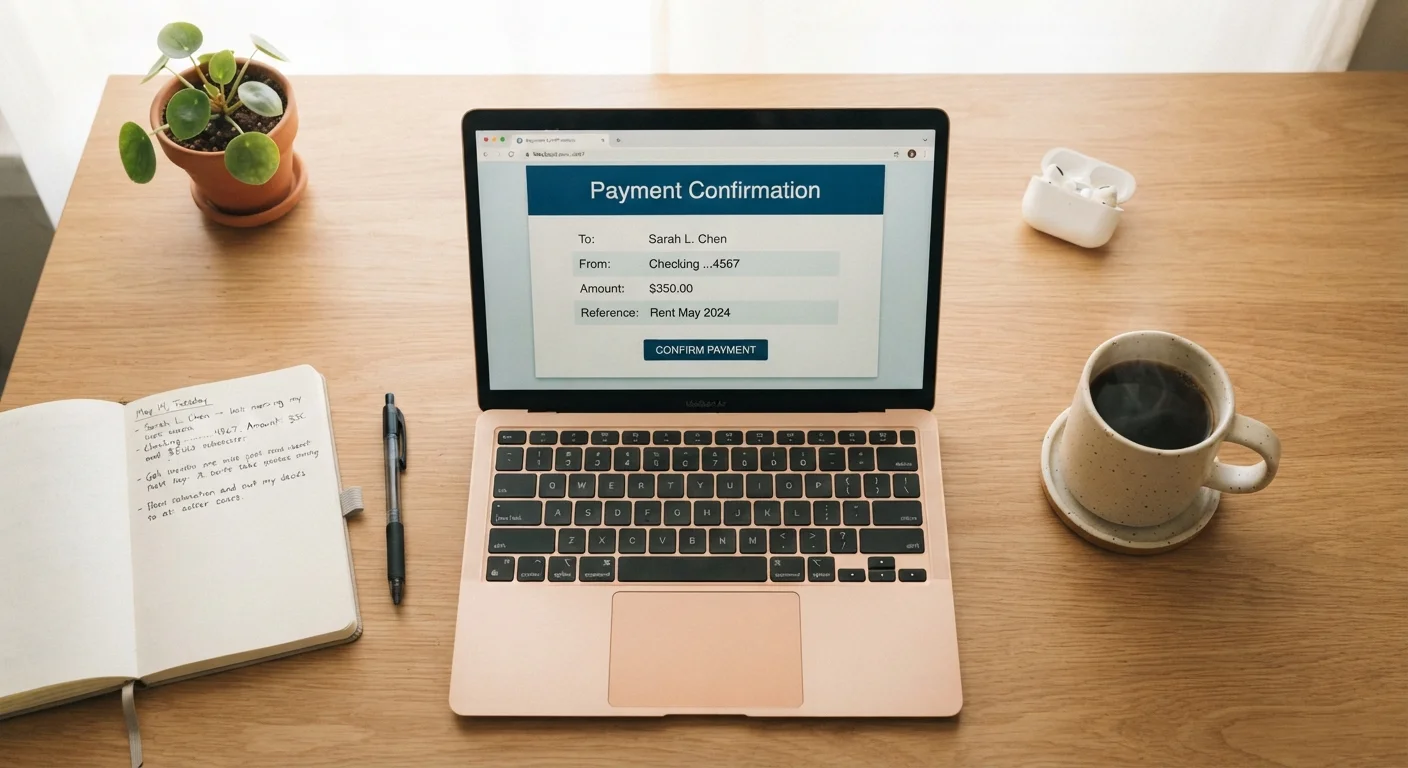
Log in to your bank's online or mobile platform and navigate to the transfers section. Schedule a recurring transfer from your checking account to your savings account. Set the amount you determined in Step 1, and align the transfer date to one or two days after your paycheck is typically deposited.
Alternatively, check whether your employer's payroll system allows direct deposit splitting — some let you send a fixed dollar amount or percentage directly to a savings account before any money reaches checking. This is the most frictionless version of saving first.
Include Retirement Contributions in Your Automation Plan
If your employer offers a workplace retirement plan such as a 401(k), contributions are already automated through payroll deductions — but you need to actively choose your contribution percentage. If your employer offers a matching contribution and you're not contributing enough to capture it, you're leaving part of your compensation on the table.
Adjusting your contribution percentage is typically done through your employer's benefits or payroll portal. Even a one-percent increase can meaningfully affect long-term balances over time, though outcomes depend on many factors. This is general information — for guidance tailored to your situation, consider speaking with a qualified financial adviser.
Review and Adjust Every Three to Six Months
Automated systems don't need daily attention, but they do need periodic check-ins. Every few months, confirm that transfer amounts still make sense given your current income, expenses, and goals. A raise, a new bill, or a completed savings goal are all good reasons to revisit your setup.
Automation reduces the mental load of saving, but it works best as part of a broader approach to managing your finances systematically. The goal is a system that runs quietly and reliably without requiring constant decisions.
Common Pitfalls and How to Avoid Them
Automation is straightforward, but a few missteps can undermine it early on. The most common is setting a transfer amount that's too ambitious — if it regularly triggers overdrafts or forces you to transfer money back, it creates friction that may lead you to cancel the automation entirely.
Automation Doesn't Replace a Budget
Setting up automatic transfers is a powerful habit, but it works best when paired with a basic understanding of your cash flow. If your account balance is tight, an automated transfer hitting at the wrong time can trigger overdraft fees. Always confirm your paycheck timing and account balances before scheduling transfers, and review your setup every few months as your income or expenses change.
Another common issue is forgetting about the automation after setting it up. Life changes — income shifts, new expenses, a goal that's been reached — and an outdated transfer amount can silently work against you. Building in a calendar reminder every few months to review your setup takes about ten minutes and keeps everything current.
Start Smaller Than You Think You Should
If you're unsure how much to automate, start with an amount that feels almost too small — even $25 per paycheck. The goal at first is to establish the habit and confirm the timing works. You can increase the amount once the system runs smoothly without disrupting your spending account. Small amounts, compounded over months, add up faster than most people expect.
For a broader look at the daily habits that quietly strengthen your finances alongside automated saving, see small daily money habits that build long-term stability. Automation is one piece of a larger financial picture that also includes tracking your spending and understanding where your money goes each month.
This article is for general informational and educational purposes only and does not constitute personalized financial, tax, or investment advice. Consider consulting a qualified financial professional before making decisions specific to your situation.
The content provided on our blog site traverses numerous categories, offering readers valuable and practical information. Readers can use the editorial team’s research and data to gain more insights into their topics of interest. However, they are requested not to treat the articles as conclusive. The website team cannot be held responsible for differences in data or inaccuracies found across other platforms. Please also note that the site might also miss out on various schemes and offers available that the readers may find more beneficial than the ones we cover.